Something
worth posting.

makes a few waves.
Working examples, useful questions and a little less staring at a blank page.
28 FIELD NOTESOne product page.
A month of
possibilities.
Find the facts, choose a customer question and turn it into something you can actually make. A worked guide, start to finish.
Open the field guide
The reading list.
Start anywhere. Take something useful with you.
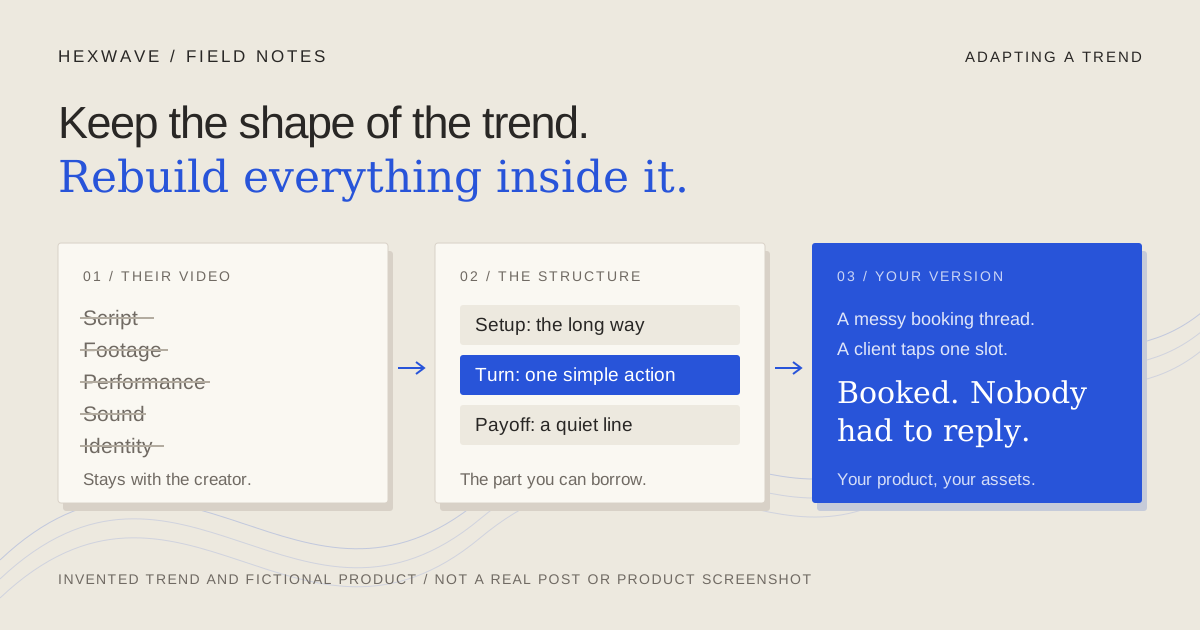
Borrow the shape of a trend. Leave the creator's video alone.
Use TikTok trends for business without copying the creator. Separate the structure from their script and footage, rebuild it for your product, or skip it.
Read the note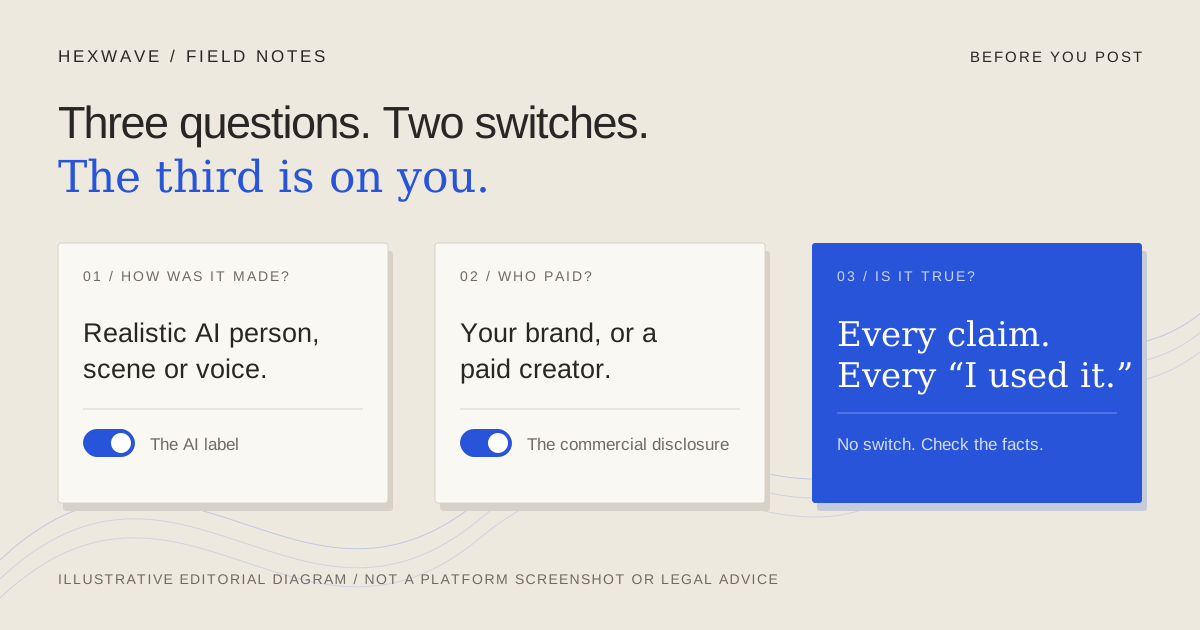
An AI label says how you made it. It doesn't make it true.
When to label AI content on TikTok, Instagram and YouTube, which commercial disclosure applies, and why no label fixes an invented claim. With a checklist.
Read the note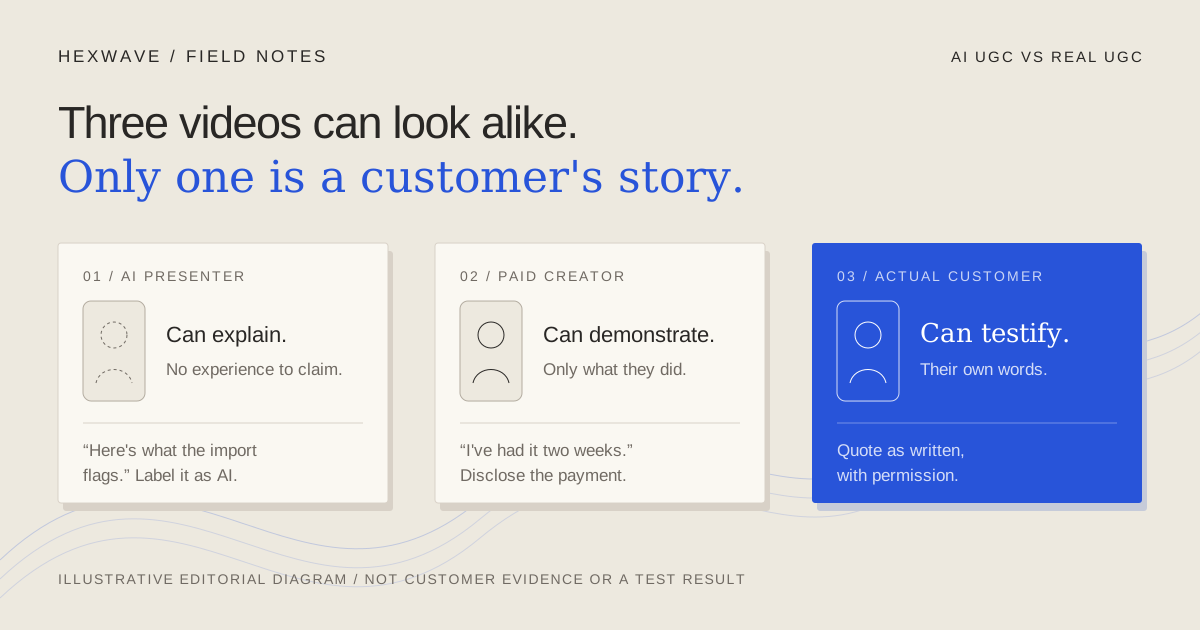
A presenter can explain your product. Only a customer can say they used it.
Compare AI UGC, paid creator videos and real customer content by what each can prove, then check scripts, rights, disclosure and cost before choosing one.
Read the note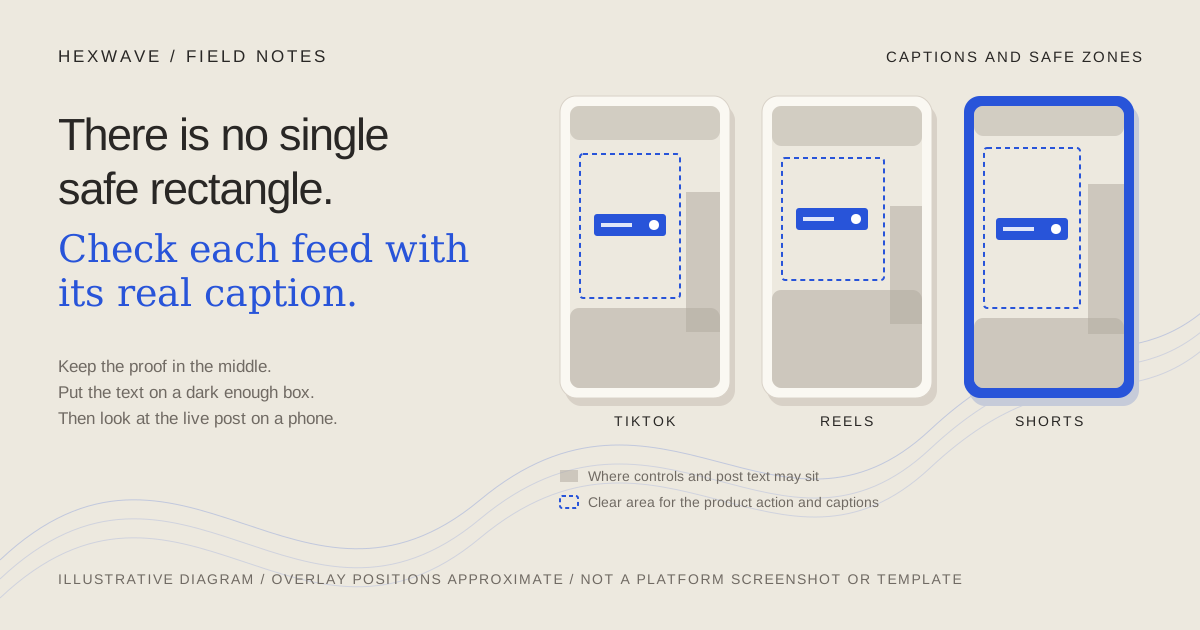
Keep the proof out from under the buttons.
Keep product demos and captions clear of TikTok, Reels and Shorts controls. See what each platform officially publishes, then test contrast, timing and exports.
Read the note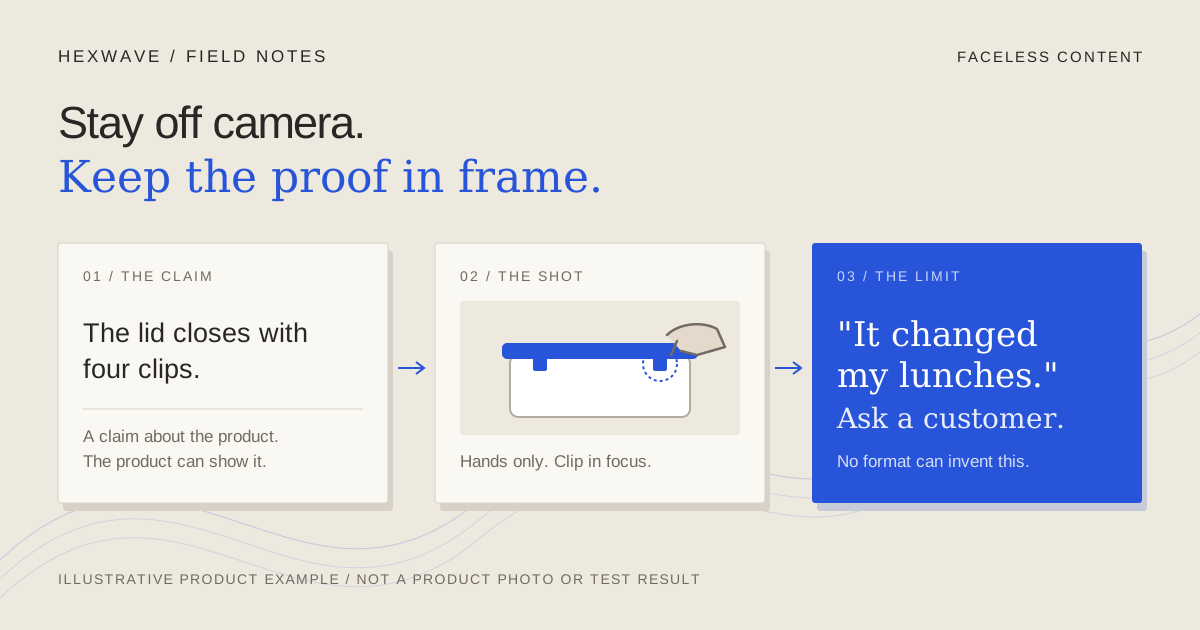
Stay off camera. Keep the proof in frame.
Choose faceless brand content by what each post must prove: hands-only demos, screen capture, voiceover, slideshows or text, and when a real person must speak.
Read the note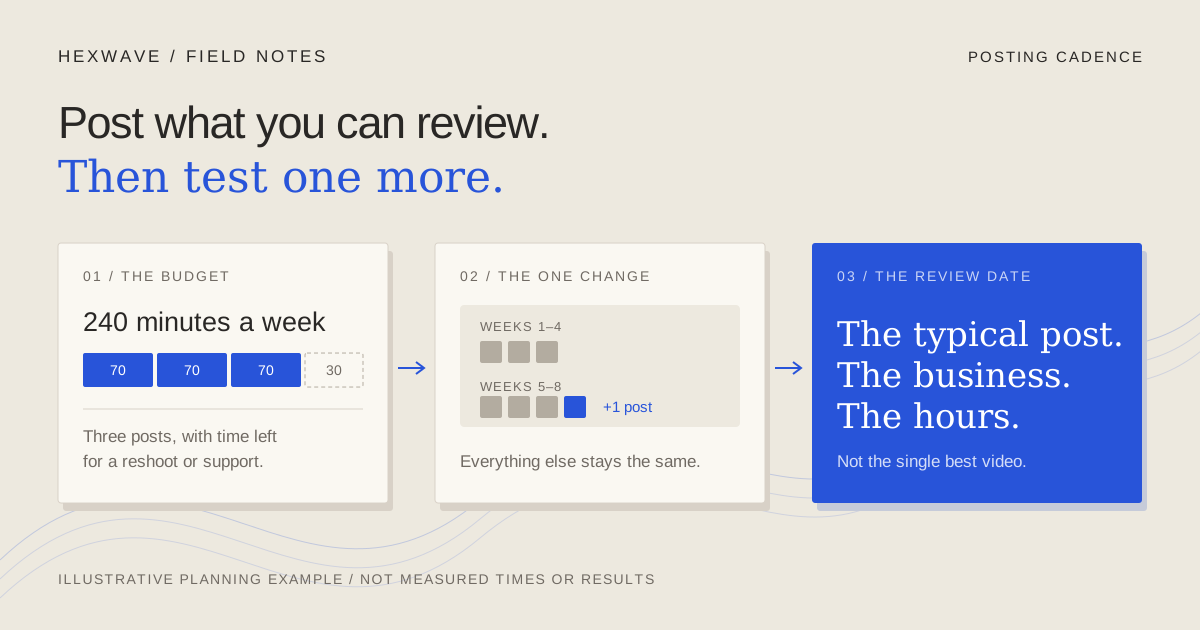
Post as often as you can still learn from.
How often should a business post on TikTok? Start with a pace you can review, then test one change. What TikTok says, what the data shows, and a test sheet.
Read the note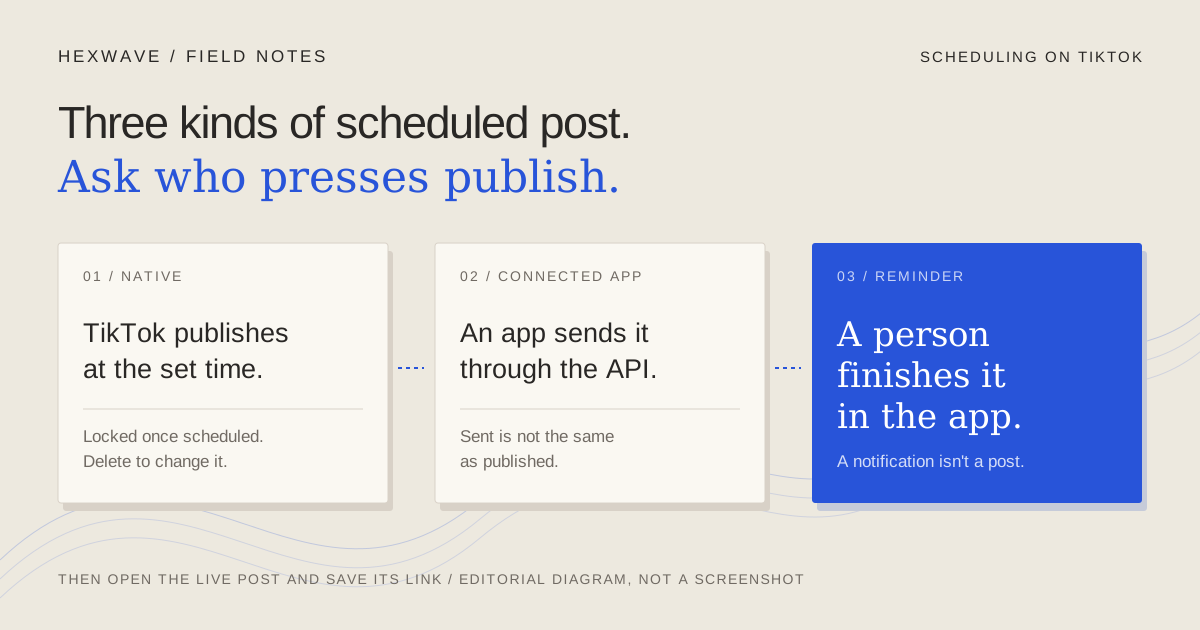
Scheduling a TikTok post: who actually presses publish?
Schedule TikTok posts with TikTok's own tools, a publishing app or a reminder. Check eligibility, time zone, edits and limits, then confirm the post went live.
Read the note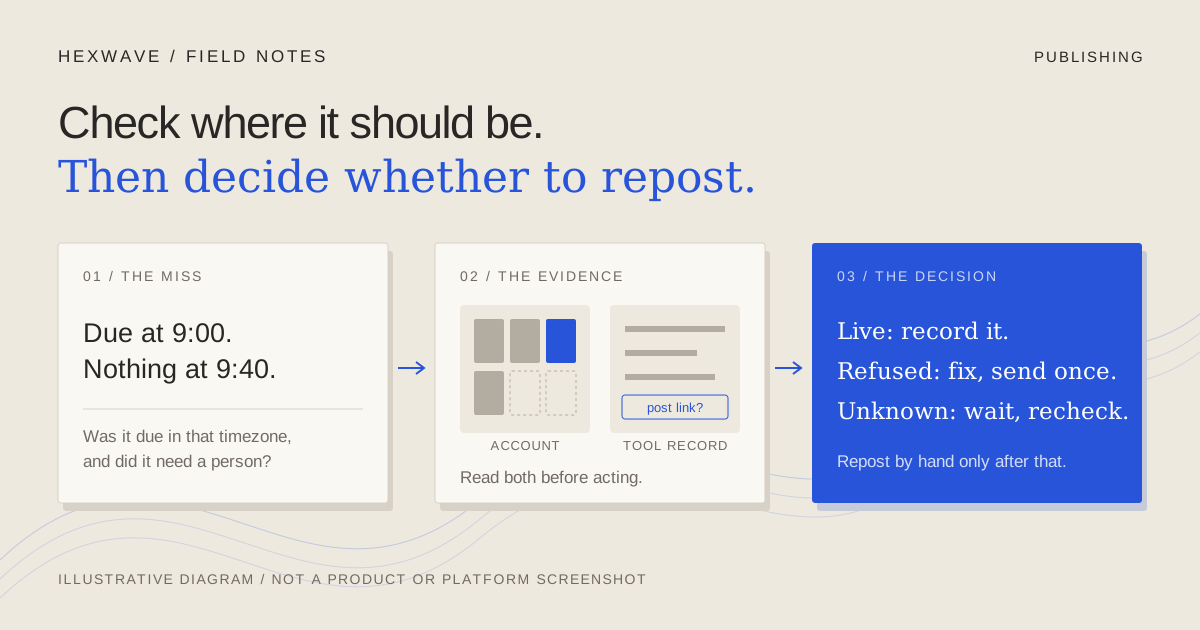
Your scheduled post didn't appear. Check before you post it again.
A scheduled post didn't appear? Tell not-due, disconnected, rejected, processing and unclear outcomes apart, then check before reposting to avoid posting twice.
Read the note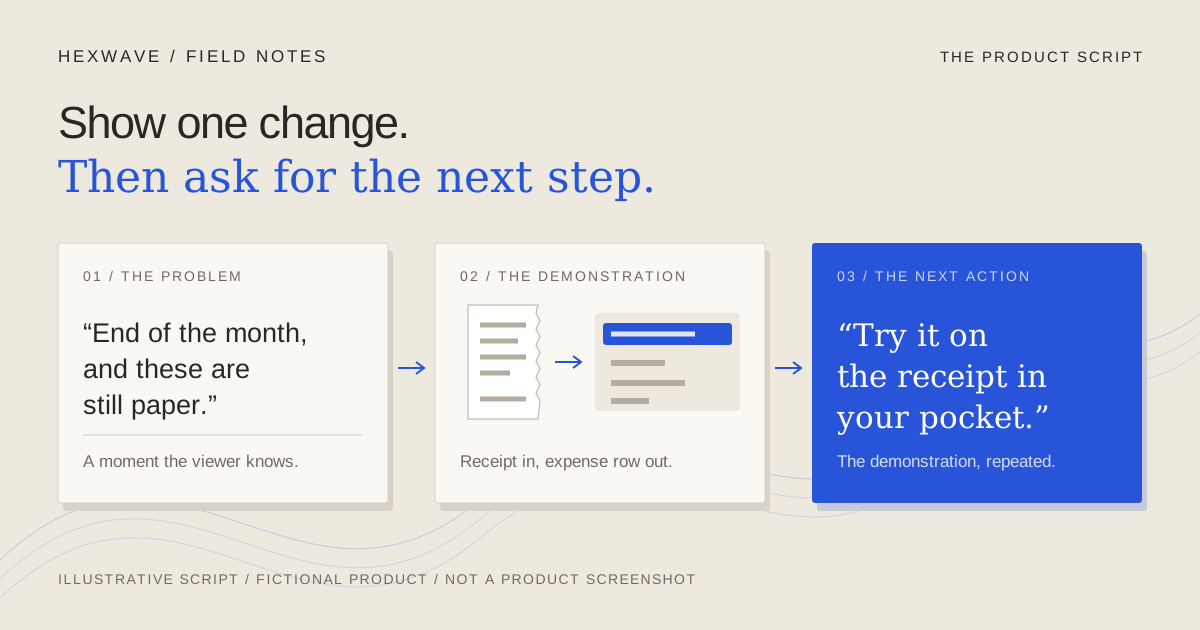
A product script earns its last line in the demonstration.
Use a short-form video script template for products. Compare a feature-stuffed draft with a focused rewrite, then adapt it for voiceover or text-led posts.
Read the note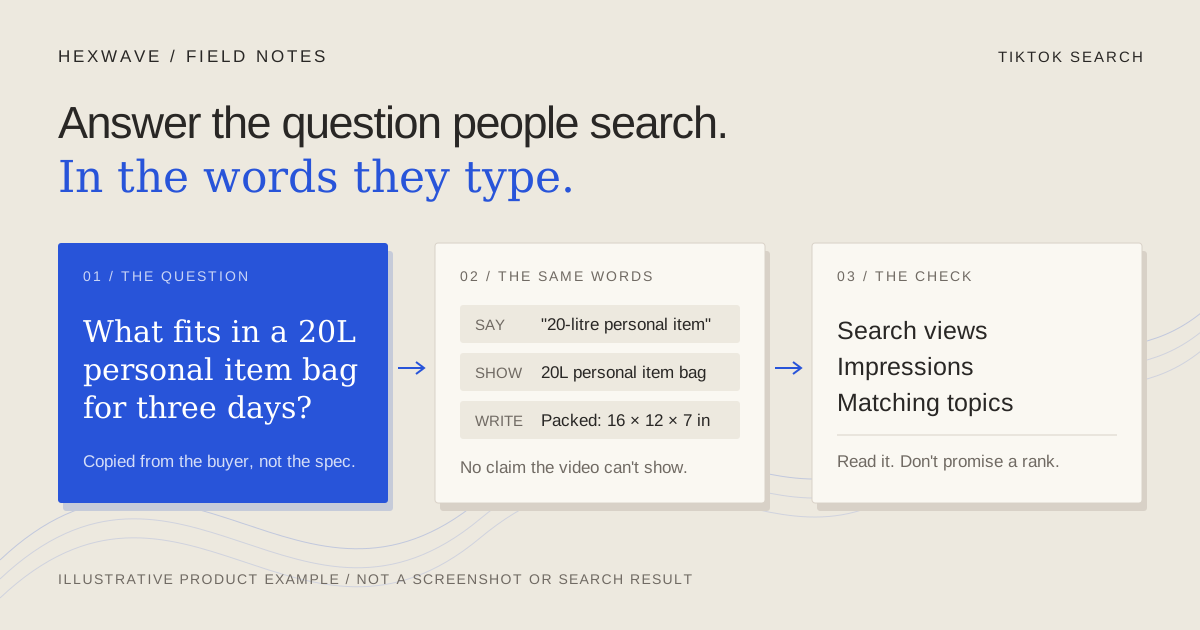
TikTok SEO for a product video starts with the buyer's question.
Do TikTok SEO for a product video: pick one buyer question, use their words in speech, text and caption, then read search analytics without chasing a rank.
Read the note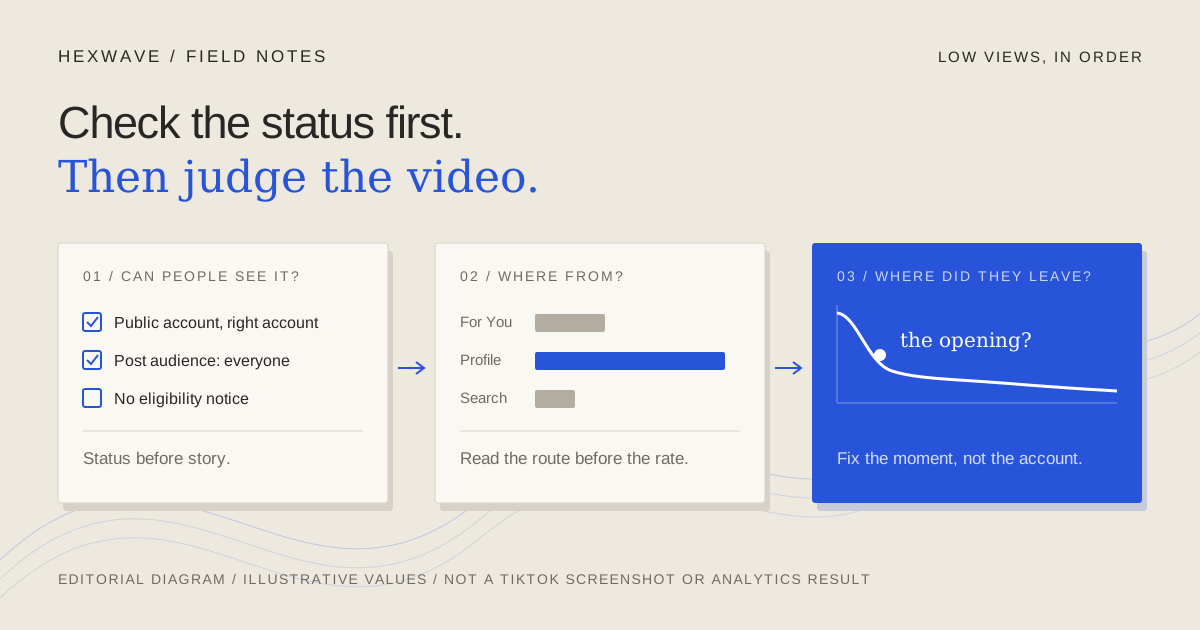
Few views on a product TikTok? Rule out the status problems first.
Your product TikTok got few views. Check visibility, eligibility and account status first, then read traffic source and retention to find what to change next.
Read the note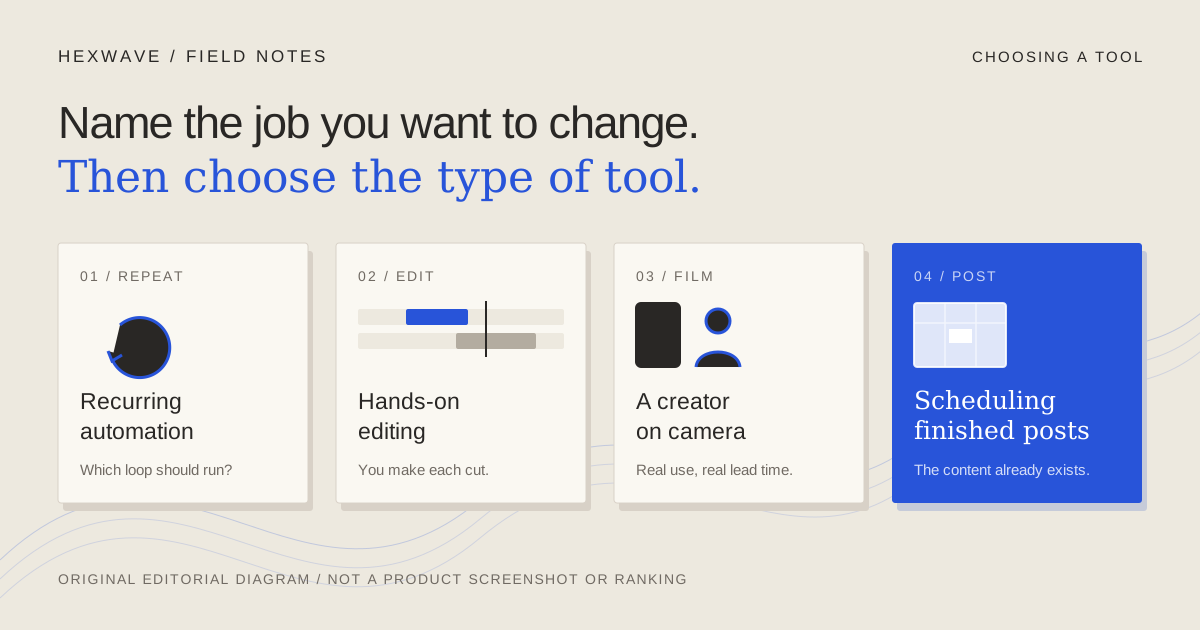
Leaving Viraloop? First decide which job should change.
Compare Viraloop alternatives by the job you want to change: recurring automation, hands-on editing, creator-made video or scheduling, with dated sources.
Read the noteGive the ideas
a place to go.
A free content calendar with worked examples, filming notes and room for your own product. No email gate.
Get the free calendar