Something
worth posting.

makes a few waves.
Working examples, useful questions and a little less staring at a blank page.
28 FIELD NOTESThe reading list.
Start anywhere. Take something useful with you.
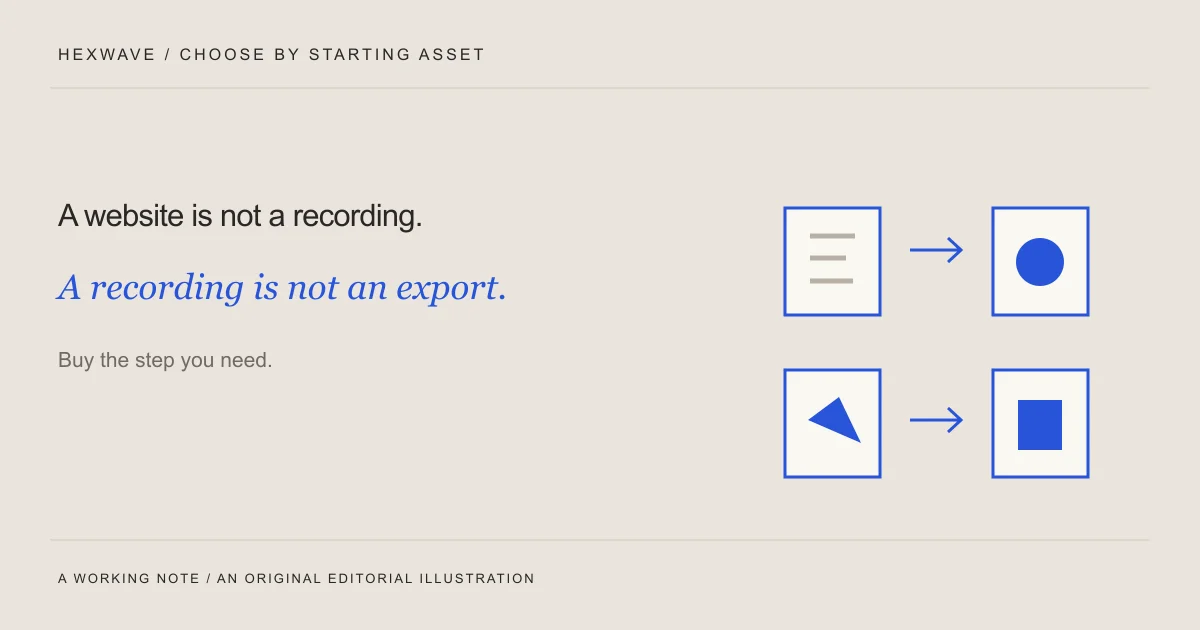
Choose the tool for the work you haven't finished.
Choose short-form content tools by your starting assets and unfinished work. Compare documented workflows, use a trial worksheet, and avoid buying overlap.
Read the note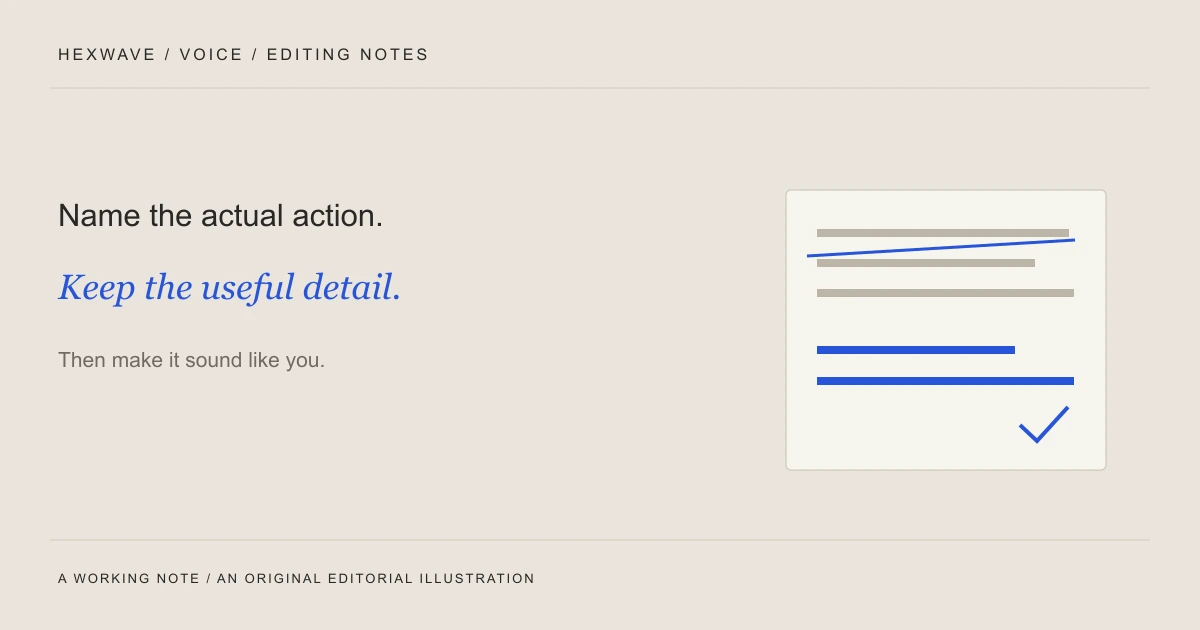
The draft sounds fine. It doesn't sound like you.
Build a brand voice sheet AI and teammates can use. Work through concrete edits, separate tone from product facts and turn repeated corrections into examples.
Read the note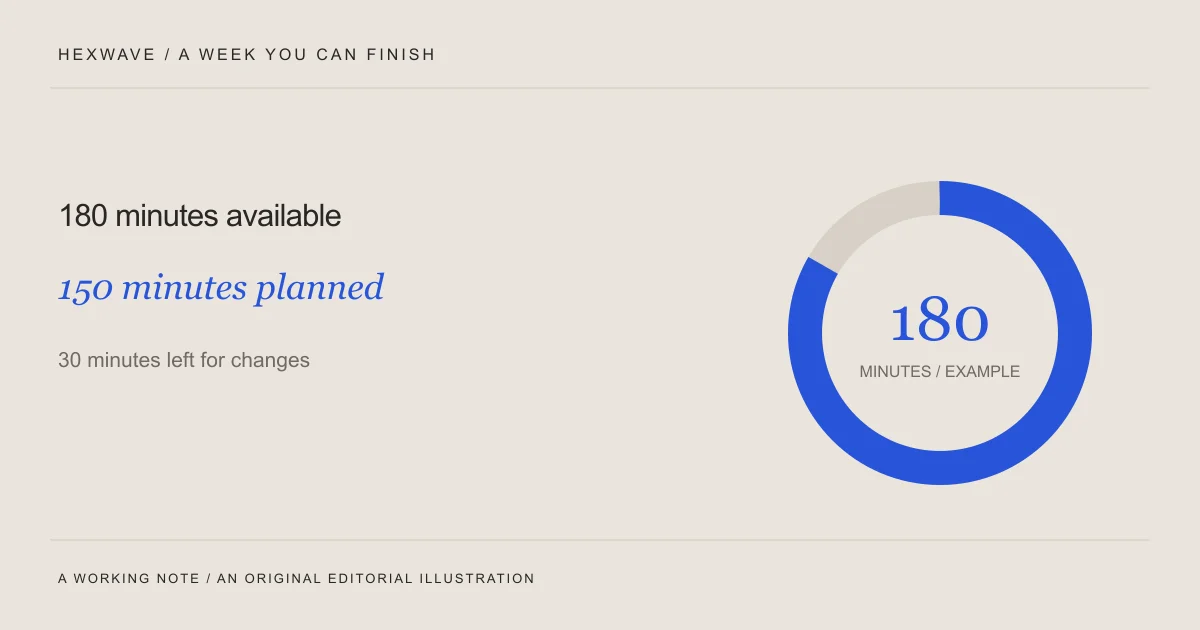
Build a content plan that fits a busy week.
Build a content plan for a small team using the time and assets you have. Work through a sample week, a reduced schedule, and an editable planning sheet.
Read the note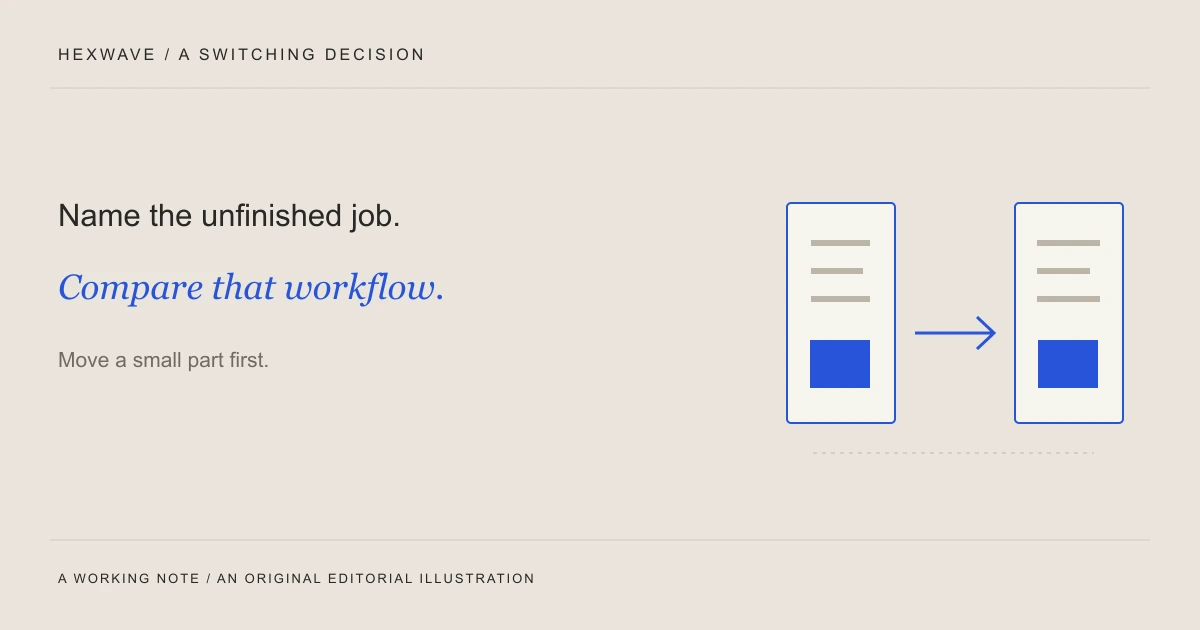
Before you switch tools, name the job.
Compare Fastlane AI alternatives by the work you need to change. Use documented options, a repeatable test brief and a checklist for moving your content queue.
Read the note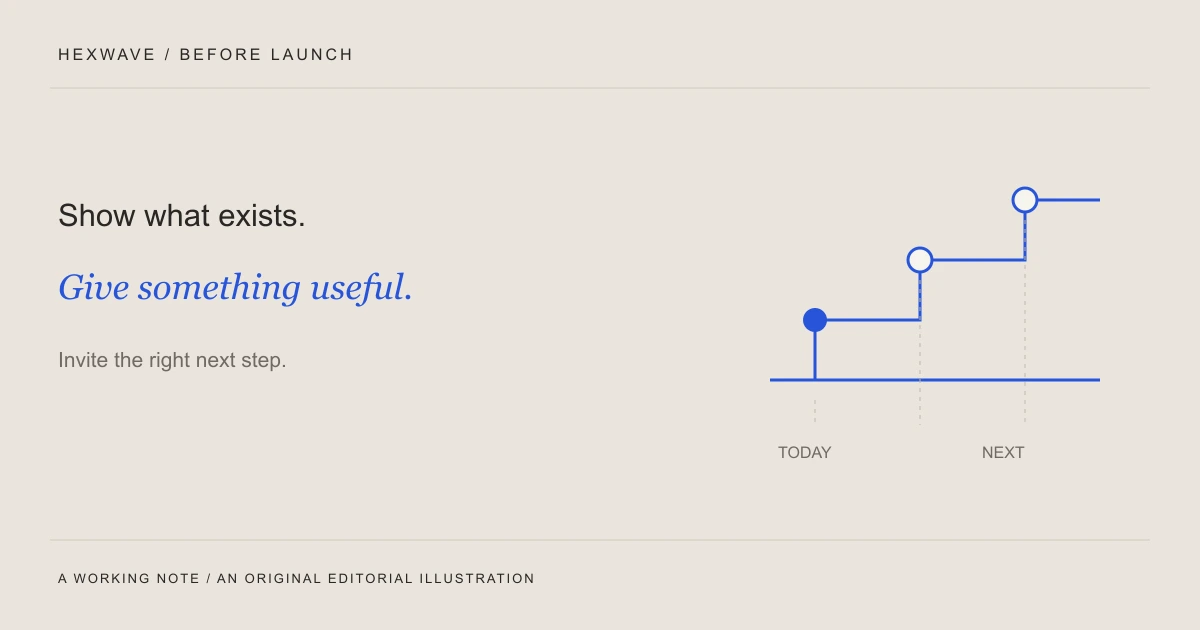
Your product isn't ready. You still have something useful to say.
Plan useful prelaunch content with a five-post example. Label prototypes clearly, share a practical resource, invite early access and handle a delayed launch.
Read the note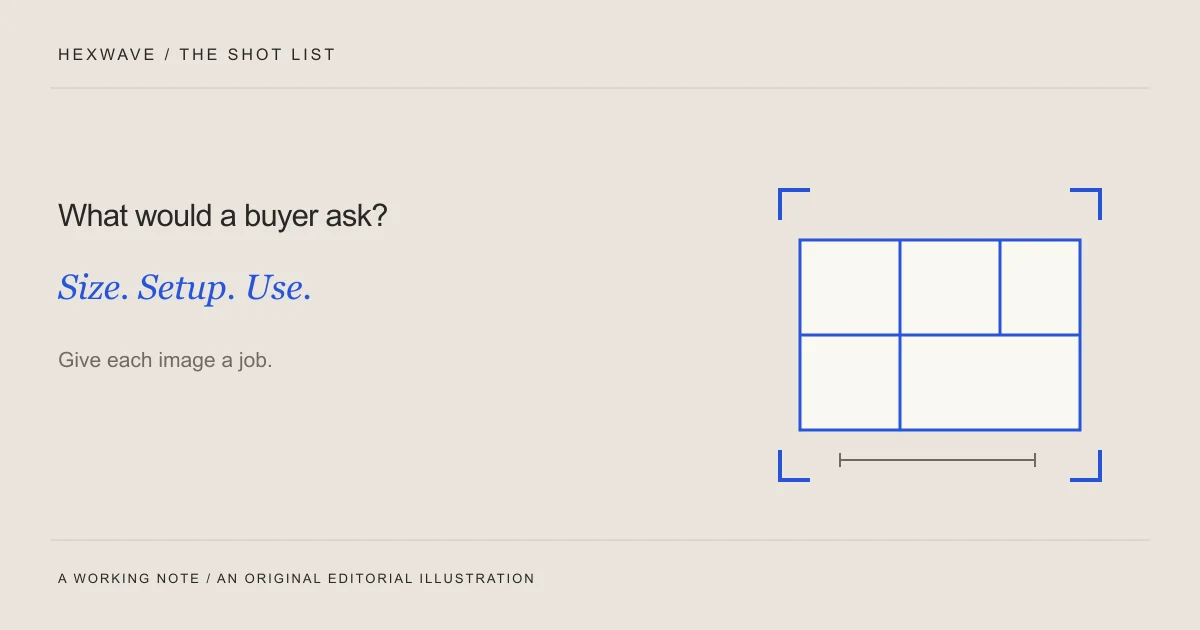
A product, a phone, and something worth showing.
Make useful product content with photos and a phone. Plan shots around buyer questions, see a worked example, and use the downloadable asset worksheet.
Read the note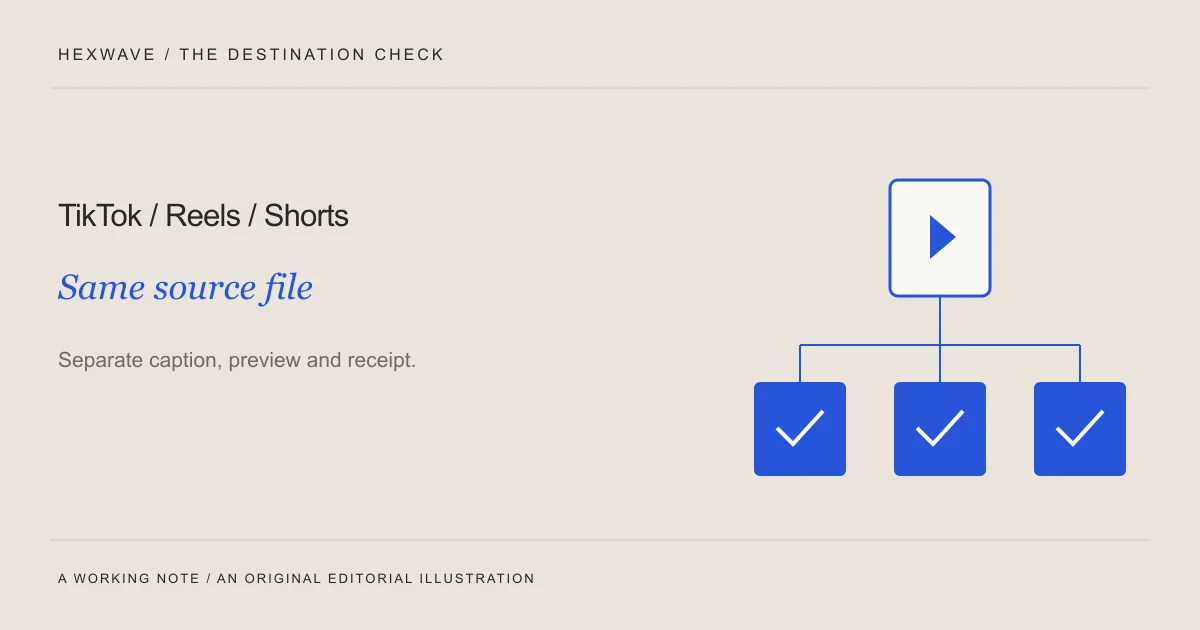
One video. A separate final check for every feed.
Prepare one product video for TikTok, Instagram Reels and YouTube Shorts. Use a clean master, check each destination, and keep a clear publication record.
Read the note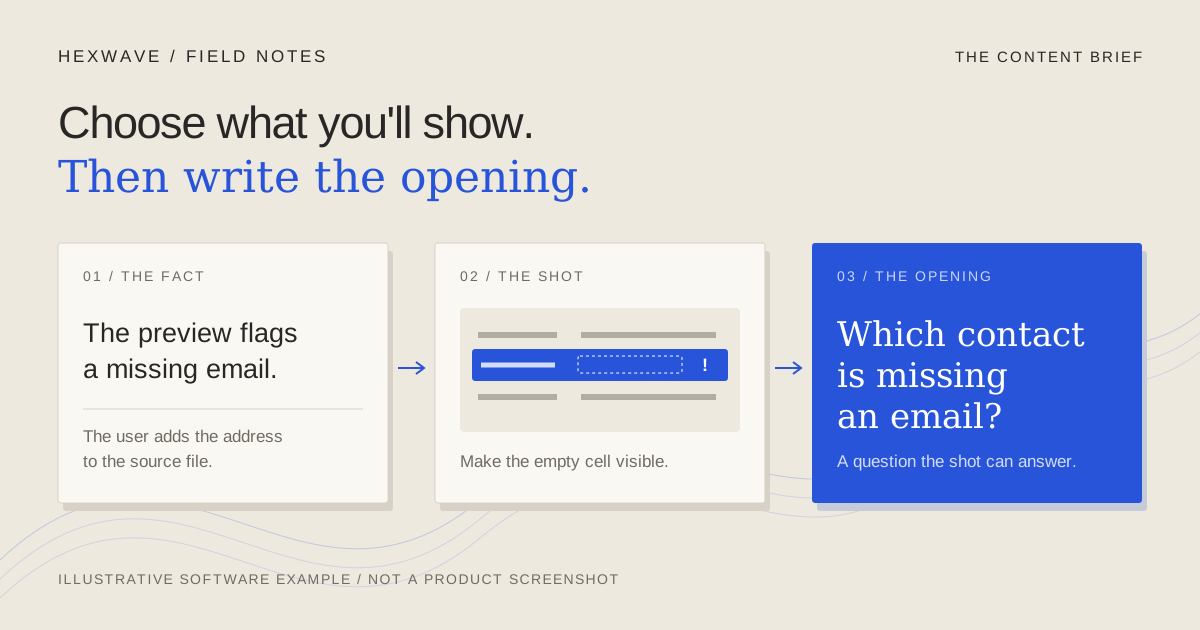
Write a content brief someone can actually film.
Write a short-form content brief your team can film. Get a free editable template, completed software and product examples, and a practical handoff check.
Read the note
Show one useful thing. Let the demo finish it.
Make a short-form product demo that explains one useful task. Follow a worked screen-recording plan, preserve the proof, and review the edit at phone size.
Read the note
Your SaaS has more to show than a dashboard tour.
Find TikTok content ideas for your SaaS with worked briefs, opening frames and screen actions. Choose ideas that explain a real task your product can do.
Read the note
A good hook gives your product something to prove.
Write TikTok hooks that fit your product footage. Compare worked openings, match each promise to a visible action, and use a worksheet to revise your own.
Read the note
Give every slide a reason to be there.
Build a useful product slideshow with a five-slide example. Choose photos or video, show real evidence, check readability and prepare the right export files.
Read the noteGive the ideas
a place to go.
A free content calendar with worked examples, filming notes and room for your own product. No email gate.
Get the free calendar