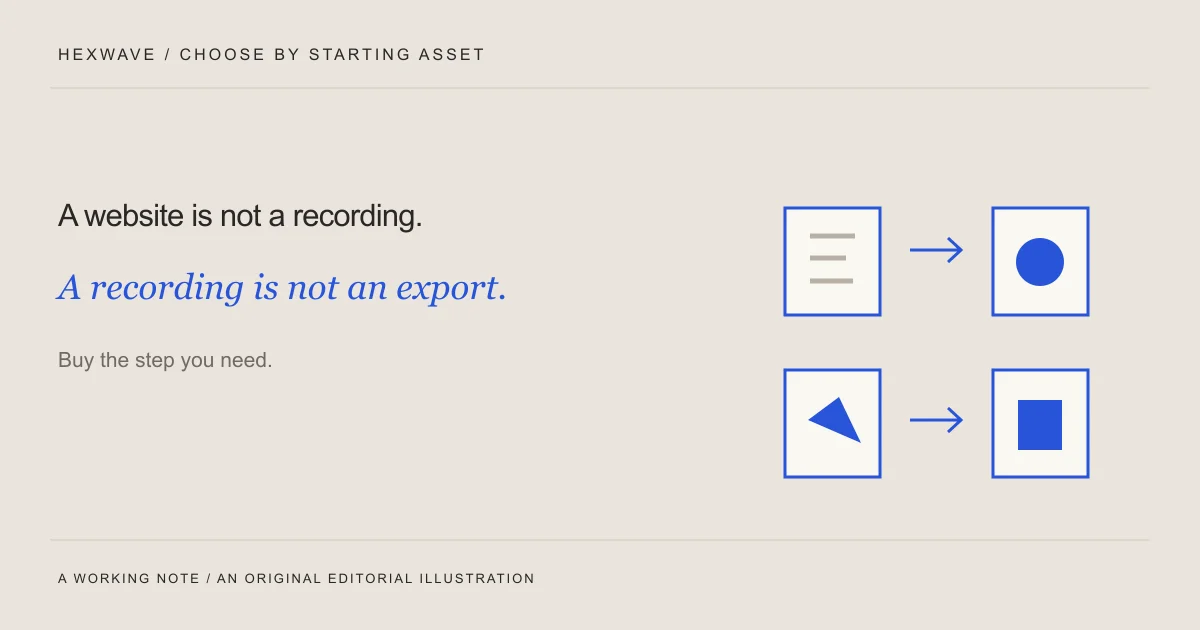
If you have a website and no footage, a tool that finds highlights in long recordings starts one step too late. If you already have an approved video, a generator may create more material when the unfinished job is publishing it.
The most useful way to compare short-form content tools is to start with the asset you have and name the work you still need done. That separates a genuine alternative from a product that happens to use the same “AI video” label.
This guide compares documented workflows from Fastlane, Viraloop, Relay Studio, OpusClip, Descript, Canva and Buffer. Product sources were checked on 4 October 2026. We have not run paid generations, timed editing sessions or live posting tests for this comparison. The shortlist reflects documented fit, not a performance ranking.
Hexwave publishes this guide and is developing a competing product-content workflow. It is in early access, so we discuss it separately from tools you can evaluate for an immediate production need.
Start with the file, not the feature list
| What you have | Work you need done | Candidates to investigate |
|---|---|---|
| A product website and a few assets | Develop product-specific posts and a recurring content workflow | Fastlane, Viraloop, Relay Studio |
| A webinar, interview or other long recording | Find self-contained moments and prepare short clips | OpusClip |
| Recorded speech and a demonstration | Edit the explanation and associated video | Descript |
| Product photos and approved text | Assemble a designed slideshow or simple visual sequence | Canva |
| Finished posts | Prepare a schedule and manage destination-specific publication | Buffer |
These categories can overlap. A product may offer more than the task listed here. The table identifies a useful starting evaluation, rather than claiming each vendor does only one thing.
Write your own need as a sentence: “I have product photos and an approved explanation, and I need a readable sequence I can edit.” That is specific enough to test. “I need more content” will let almost any demo look relevant.
When your starting asset is the product website
Fastlane, Viraloop and Relay Studio all describe website-based content workflows, but their product pages give you different things to investigate.
Fastlane describes creating and scheduling product-personalized content from a website URL, with TikTok, Instagram, YouTube and LinkedIn named in its overview. For a trial, inspect how the extracted facts become a post and what you can change before export or scheduling. Check the specific formats and destinations on the plan you're considering; a platform name alone doesn't tell you how every post type works.
Viraloop describes learning product context from a URL, creating several short-form formats and scheduling to TikTok, Instagram and YouTube. Its page also presents recurring automation. Your evaluation should include the review boundary: can you inspect a factual claim, correct the asset and understand what will happen at the next scheduled run? Treat the advertised workflow as something to verify with your own brief, not as proof that the output will need no supervision.
Relay Studio describes a website-to-content workflow with swipe-based approval, editable wording and publishing to TikTok. If your immediate requirement includes another destination, verify that support rather than assuming it from the category. Its public product explanation is useful for judging the intended workflow; it doesn't replace checking the actual account controls and current terms.
The same source check applies to all three. Give the tool a product fact that is easy to misstate. For a fictional import product, the fact might be “the preview flags an empty email cell; the user supplies the missing address.” Inspect whether the draft preserves the manual step or upgrades it into automatic cleanup.
That test tells you something relevant even before you judge the writing style.
When you already have a long recording
OpusClip describes turning longer videos into shorter clips, with clipping, captions and reframing among its features. This is a sensible category to investigate when useful explanations already exist inside an interview, webinar or demonstration.
The evaluation question is whether the selected segment makes sense on its own. A fluent answer may depend on a question that the clip removed. A striking sentence may lose the qualification that made it accurate. Check the beginning and ending against the source recording.
For a product team, also inspect the frame. If a presenter points to a feature on a shared screen, a crop that follows only their face could lose the explanation. Try a representative recording with the kind of screen content or hand movement you actually use.
A clipper cannot extract footage that doesn't exist. If you only have a product page, first decide whether you're willing to record a demonstration. Otherwise you're evaluating a different workflow from the one this category is designed around.
When the main job is editing an explanation
Descript's text-based editing documentation explains how editing the transcript can edit the underlying audio or video. That makes it worth investigating when the content is spoken and the task is tightening or rearranging an explanation.
Use a sample where meaning depends on a qualification. “This flags an error, but you still need to correct the file” should not become “This flags an error” if the remaining visuals suggest automatic repair. Watch the resulting cut after editing the words.
Also distinguish changing what a transcript displays from changing the media itself. During your trial, perform both kinds of correction and inspect the export. That is more useful than counting the number of AI features listed on a pricing page.
For a precise product movement or a scene without much speech, compare how much visual control you need with what the editor provides. The right choice depends on your work, not on whether text-based editing sounds easier in the abstract.
When you have photos and a clear story
Canva's slideshow maker describes combining photos and video in a designed sequence. It is a candidate when the product assets already exist and the unfinished work is layout and presentation.
Use the same photos and approved wording in the trial. Check text size on a phone, how much of the product remains visible after cropping and whether you can change a single slide without rebuilding the sequence.
Decide what you need to export before you choose a template. A timed slideshow video and a set of images for a native photo post are different deliverables. Confirm that the workflow you select produces the one you intend to publish, and check any paid assets or features it introduces.
For an action such as opening a hinge or adjusting a divider, actual motion may explain more than a succession of photos. The product-photo guide can help you make that choice before you spend time designing slides.
When the posts are already finished
Buffer describes scheduling with per-channel customization. Its documentation also distinguishes automatic publishing from notification workflows, where a person finishes in the destination app.
That distinction belongs in your purchase decision. Choose a representative post and verify its supported route for each account you intend to connect. If your format needs native finishing, include that task in the weekly workload rather than counting it as fully automatic.
Check how you would change the date, replace the file and identify what actually published. A calendar view is useful, but your operational question is what happens when the plan changes.
If generation is already working for you, a separate scheduler may address the missing step more directly than replacing the entire production workflow. If one tool already handles the destinations and controls you need, another scheduling subscription may add work instead.
Compare a complete task with the same inputs
Prepare one factual brief, a small asset set and a definition of an acceptable result. Use the same task for candidates in the same category. Don't compare a generator starting from a URL with an editor receiving a finished script and call the faster output a fair winner.
For a fictional software-demo task, the acceptable result could be a readable vertical video showing a manual assignment and its visible outcome, with accurate captions and a usable export. Record the input, plan and settings so you can repeat the evaluation.
| Check | What to record |
|---|---|
| Factual accuracy | Claims added, omitted or changed; corrections needed |
| Product depiction | Whether the asset still shows the real product and intended action |
| Edit control | Changes you could make, and anything you had to rebuild elsewhere |
| Deliverable | File type, visible marks, dimensions and the output you actually obtained |
| Publication route | Automatic, notification-based or manual for the chosen post and account |
| Cost and time | The relevant plan, any extra usage and your measured correction time |
Keep “unknown” in the table until you've checked a field. If a trial does not include the export or destination you need, ask the vendor or inspect its documentation before treating the task as complete.
Compare the cost of usable work
A monthly price matters, but it isn't the whole calculation. Count the outputs that meet your brief and the work required to get them there.
As a deliberately hypothetical example, suppose Tool A costs $30 and produces six usable posts from your trial month. Tool B costs $60 and produces twenty usable posts. Subscription cost per usable post would be $5 for A and $3 for B, before extra usage and your time. Those are invented inputs to illustrate the calculation, not market prices or measured vendor results.
The cheaper per-post result could still be the wrong purchase if you need only four posts or if the outputs don't serve your audience. Add your correction time and any missing production work, then compare the total with the work you actually plan to do.
A spreadsheet can hold this decision. You don't need a numerical score for “creativity” to choose between two workflows whose outputs and costs you can inspect.
Where Hexwave belongs in the decision
We're building Hexwave around turning a product URL into a plan of short-form posts, adapting formats to the product and keeping review and publishing connected. The product comparison pages explain that intended direction. The frontend currently offers demonstrations and an early-access enquiry, not an available production workflow you should depend on today.
If you need to ship this week, choose a currently available tool that passes your task. If the work you want help with matches what we're building, early access is a way to follow that development.
Before opening another pricing page, write down the asset you have, the task still unfinished and the result you would accept. You'll be able to tell much sooner whether the next tool belongs in your process.
Sources & reference material
- Fastlane product overview — Fastlane, checked October 4, 2026.
- Viraloop product overview — Viraloop, checked October 4, 2026.
- Relay Studio product overview — Relay Studio, checked October 4, 2026.
- OpusClip product overview — OpusClip, checked October 4, 2026.
- Slideshow maker — Canva, checked October 4, 2026.
- Social media scheduler and planner — Buffer, checked October 4, 2026.
- Edit like a doc — Descript Help, checked October 4, 2026.